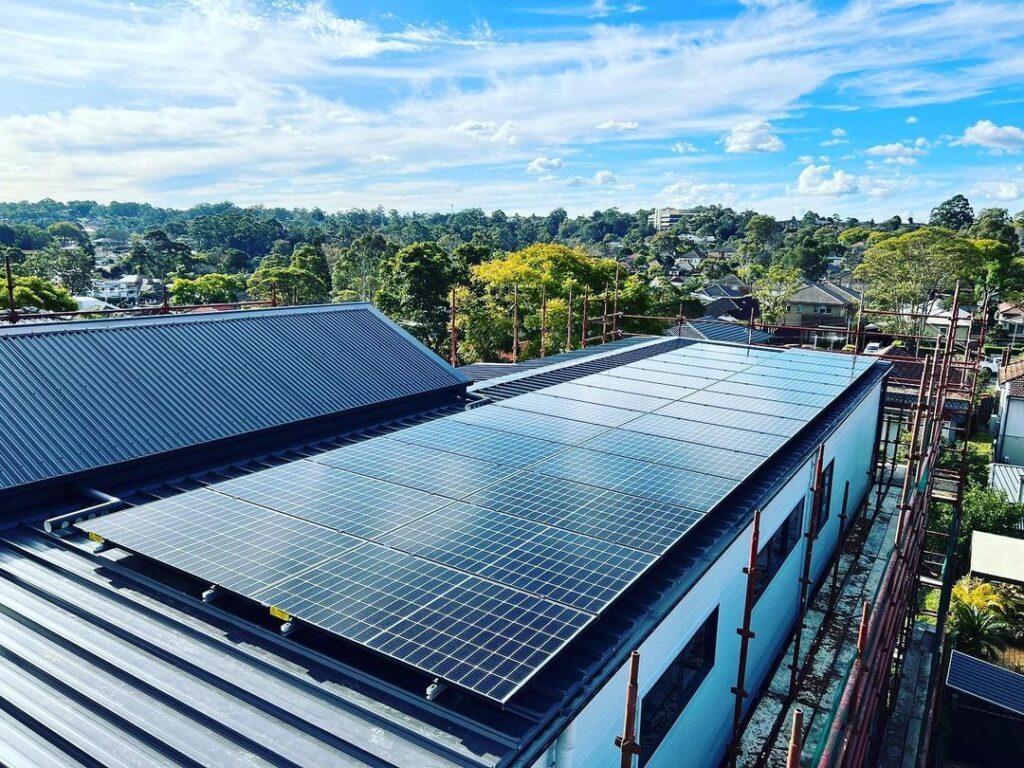
The installers have packed up, the roof is looking a little different, and you’ve got a new bit of kit sitting on the wall.
Job done, right?
Almost.
Before you put the paperwork in a drawer and get on with your day, take a little time to check that everything you paid for is there, the system has been properly handed over, and you know what happens next.
This is particularly useful for Perth homeowners because a solar installation is not finished simply because the panels are sitting on the roof. There can still be commissioning, connection, documentation or monitoring matters to sort out.
You do not need to climb onto the roof or touch electrical equipment. Most of these checks can be done from the ground, through your monitoring app and by going through the handover information with your installer.

Before you call the job finished, check that you have:
If something does not look right, ask about it before assuming it is normal.
Start with the simplest question:
Did you receive what you bought?
Have your final quote or contract nearby and compare it with the equipment installed.
Check the:
You do not need to inspect electrical connections yourself. You are simply checking that the finished system corresponds with the documents you signed.
If something has been substituted, ask the installer why and ask for the change to be documented.
Look at the roof from the ground and compare it with the final panel layout supplied for your property.
You are looking for obvious differences in:
Do not climb onto the roof to carry out this check.
Perth roofs can be hot, steep and awkward to access, and there is no reason for a homeowner to put themselves at risk just to inspect an installation.
If something looks different from the plan, take a photo from a safe spot and ask your installer about it.
You are not carrying out an electrical inspection here.
You are checking whether there are any obvious signs that the job has not been finished properly.
From a safe position, look around the installation for things such as:
If you have a tiled roof, pay attention to any signs of damage that become visible after the installers leave. You do not need to get onto the roof to investigate it.
If you notice a problem, photograph it and contact the installer rather than trying to fix it yourself.
This is one of the easiest checks to overlook.
Your installer should explain how you can view the system through its monitoring app or online portal, where one is provided.
Before the installer leaves, make sure you know:
If you have an Enphase, SMA or other monitored system, the exact screens will vary.
The important thing is that you can access your own system information and understand
what you are looking at.
A monitoring account that only the installer can access is worth sorting out before everyone goes their separate ways.
This is worth asking directly.
A completed physical installation does not always mean you can immediately operate the system under its final grid connection arrangement.
Ask your installer:
“Is my system ready for normal operation now?”
Then ask:
“Is there anything still waiting on the retailer, network or another party?”
Your installer should explain what has been completed and whether anything remains.
For newer systems in WA, there are also current requirements around grid communication capability and installation capability testing. Systems installed or upgraded from 1 May 2026 in the SWIS need to meet the applicable requirements.
You do not need to understand the technical side of those requirements. You simply need to know whether the installer has completed the steps that apply to your system.
This is the boring bit that becomes very useful a few years down the track.
Keep your solar documents together in one place, preferably somewhere you will still be able to find them if you move house, change electricity retailers or need warranty work.
Your handover file should include the documents relevant to your installation, such as:
The Australian Government recommends keeping the contract, system specifications, operating instructions, warranty information, product information, installer details and commissioning information after installation.
For Perth and the rest of WA, this is an important document to keep.
WA electrical contractors must provide an Electrical Safety Certificate for applicable electrical installation work within 28 days of completion. The certificate confirms that the work has been completed, checked and tested and is safe and compliant.
If you have not received yours within the required timeframe, contact the electrical contractor who carried out the work.
Put it somewhere safe once you receive it.
It is not the sort of document you want to be hunting for years later when you are trying to sort out a warranty question or sell the property.
Before the installer leaves, ask one very plain question:
“Is there anything left to do?”
There may be nothing.
But if there is, you want to know exactly what it is.
For example, ask whether anything remains relating to:
If something is outstanding, ask for it in writing.
A quick email confirming what remains to be done can save a lot of mucking around later.
You should know what to do if the system needs to be isolated during an emergency or for future electrical work.
Ask your installer to show you the relevant shutdown and isolation procedure for your system.
You should also know:
Do not open the inverter, battery or other electrical equipment yourself.
Do not pull cables, remove covers or start testing electrical components because something looks unusual.
If you are unsure, leave it alone and contact a licensed professional.
Take a few useful photos of the completed installation.
You might want:
These photos can be handy later if you need to identify a component, make a warranty claim or explain an issue to your installer.
You do not need a professional camera.
A few clear phone photos, saved with the installation date, will do the job.
Once the installation has been handed over, record the basic details while they are fresh.
For example:
Think of this as your home’s solar record.
It gives you something to refer back to if the equipment changes, a fault develops or you need support several years from now.
This is an easy trap for new solar owners.
You check the app on a cloudy Perth afternoon and think:
“That’s not much. Something must be wrong.”
Not necessarily.
Solar generation varies with weather, time of day, season, shading and household conditions. A system should not be judged from one random reading.
Instead, learn what your monitoring system is showing and ask your installer what sort of operation you should expect from your particular setup.
If the system shows a persistent fault, remains offline or isn’t behaving as your installer explained, contact them.
Don’t start pulling switches or trying to repair anything yourself.
Use this simple approach:
The Australian Government also recommends putting concerns about a non-working system or property damage in writing to the company that sold the system.

You don’t need to become a solar electrician on day one.
Avoid:
A quick call to the installer is a much better option than turning a small concern into a safety issue.

Before you put your feet up and get on with the day, run through this list:

Once the crew has left, you don’t need to spend the afternoon crawling around the roof or staring at the inverter.
A sensible handover check is mostly about confirming what was installed, getting control of your monitoring and paperwork, understanding whether the system is ready to operate, and knowing who to call if something isn’t right.
For a Perth homeowner, that’s enough to give you confidence that the job hasn’t just been installed, but properly handed over.